


Chimaobi Okolo
Sales Mastery Expert
Verified Credentials & Portfolio
Course certifications backed by real practical assignment submissions and AI evaluations.
Level: advanced • Issued on Aug 18, 2026
Verified Practical Capstones & Submissions (3)
1. Speed Design a Poster
### Practical Assignment: Speed Design Your Own Poster **Industry Context:** Creating visually appealing posters is essential in marketing and communication. This exercise will help you apply Photoshop techniques to produce professional-quality designs that can be used in real-world scenarios. # Objective Design a visually striking poster using Photoshop techniques demonstrated in the lesson. ## Step-by-Step Tasks 1. **Choose a Theme**: Select a theme for your poster (e.g., an event, product launch, or awareness campaign). 2. **Gather Assets**: Collect images, logos, and text that align with your chosen theme. Ensure you have high-resolution images for better quality. 3. **Open Photoshop**: Create a new document with the appropriate dimensions for your poster (e.g., 24x36 inches). 4. **Design Your Poster**: Utilize the speed design techniques from the lesson. Focus on layering, typography, and color schemes to create an engaging layout. 5. **Export Your Design**: Save your final poster as a PDF and a PNG file for submission. ## Tips - Refer back to the video for specific techniques like blending modes and text effects. - Keep your design balanced and ensure that the key message is clear and prominent. --- **Submission Deliverable:** Submit your final poster design in both PDF and PNG formats via a link to your Google Drive or upload the files directly.
2. Speed Design a Poster
### Practical Assignment: Speed Design Your Own Poster **Industry Context:** Creating visually appealing posters is essential in marketing and communication. This exercise will help you apply Photoshop techniques to produce professional-quality designs that can be used in real-world scenarios. # Objective Design a visually striking poster using Photoshop techniques demonstrated in the lesson. ## Step-by-Step Tasks 1. **Choose a Theme**: Select a theme for your poster (e.g., an event, product launch, or awareness campaign). 2. **Gather Assets**: Collect images, logos, and text that align with your chosen theme. Ensure you have high-resolution images for better quality. 3. **Open Photoshop**: Create a new document with the appropriate dimensions for your poster (e.g., 24x36 inches). 4. **Design Your Poster**: Utilize the speed design techniques from the lesson. Focus on layering, typography, and color schemes to create an engaging layout. 5. **Export Your Design**: Save your final poster as a PDF and a PNG file for submission. ## Tips - Refer back to the video for specific techniques like blending modes and text effects. - Keep your design balanced and ensure that the key message is clear and prominent. --- **Submission Deliverable:** Submit your final poster design in both PDF and PNG formats via a link to your Google Drive or upload the files directly.
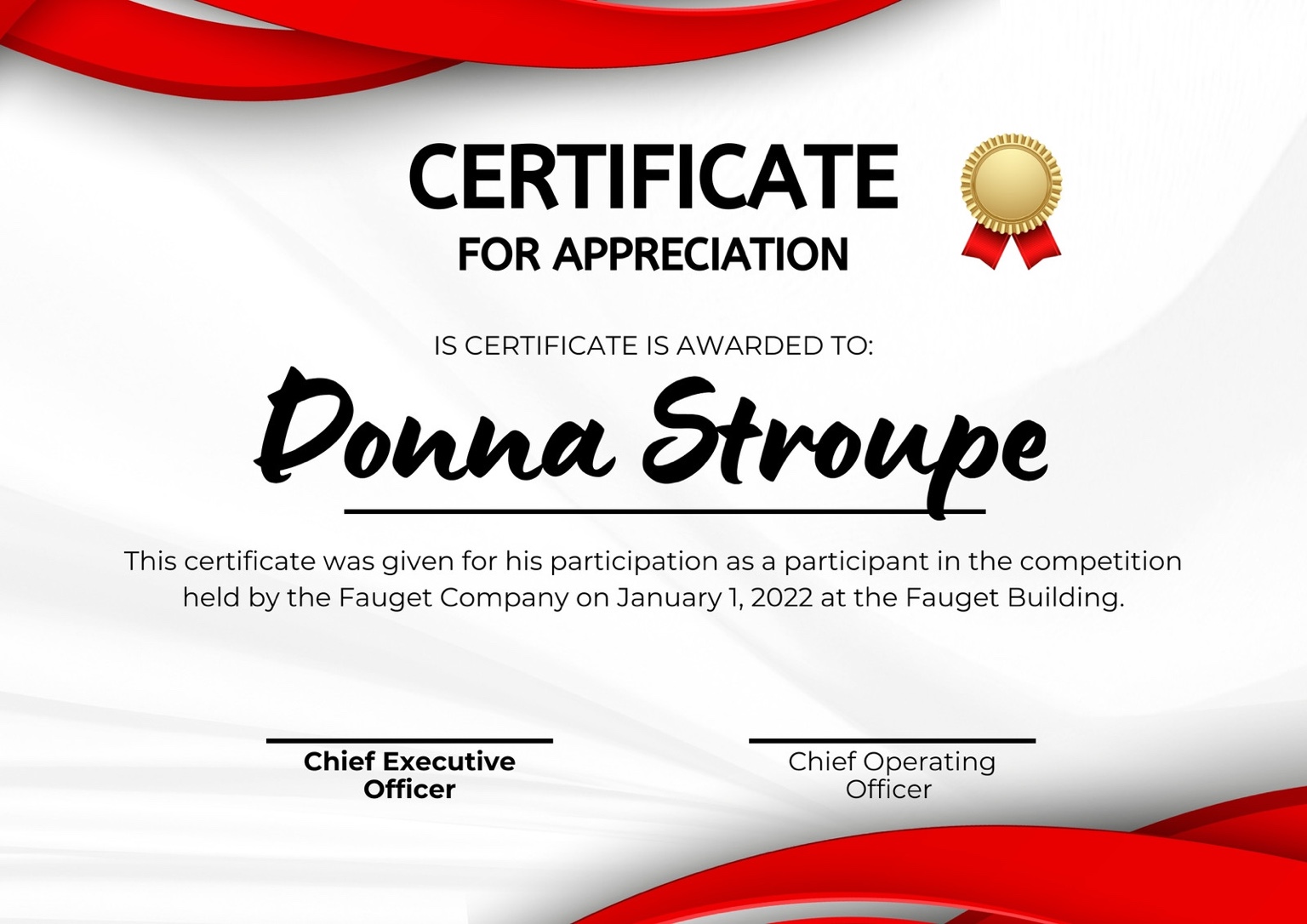
3. Speed Design a Poster
### Practical Assignment: Speed Design Your Own Poster **Industry Context:** Creating visually appealing posters is essential in marketing and communication. This exercise will help you apply Photoshop techniques to produce professional-quality designs that can be used in real-world scenarios. # Objective Design a visually striking poster using Photoshop techniques demonstrated in the lesson. ## Step-by-Step Tasks 1. **Choose a Theme**: Select a theme for your poster (e.g., an event, product launch, or awareness campaign). 2. **Gather Assets**: Collect images, logos, and text that align with your chosen theme. Ensure you have high-resolution images for better quality. 3. **Open Photoshop**: Create a new document with the appropriate dimensions for your poster (e.g., 24x36 inches). 4. **Design Your Poster**: Utilize the speed design techniques from the lesson. Focus on layering, typography, and color schemes to create an engaging layout. 5. **Export Your Design**: Save your final poster as a PDF and a PNG file for submission. ## Tips - Refer back to the video for specific techniques like blending modes and text effects. - Keep your design balanced and ensure that the key message is clear and prominent. --- **Submission Deliverable:** Submit your final poster design in both PDF and PNG formats via a link to your Google Drive or upload the files directly.
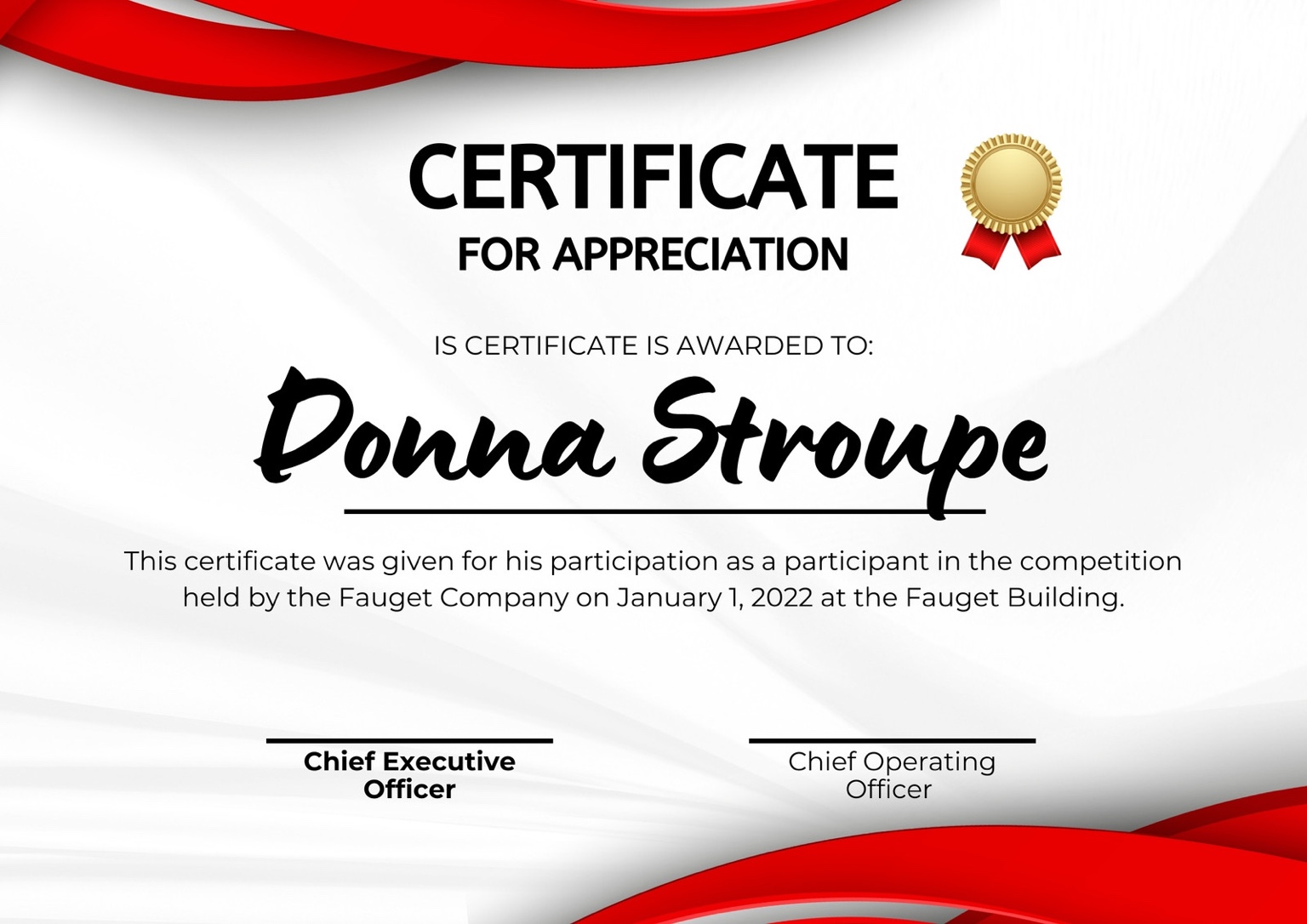
- Strong visual appeal and color scheme.
- Clear communication of the intended message.
- Good use of space and layout.
"Overall, the poster design demonstrates a solid understanding of design principles and effective use of Photoshop. With minor adjustments to enhance creativity and technical execution, the student can further elevate their work."